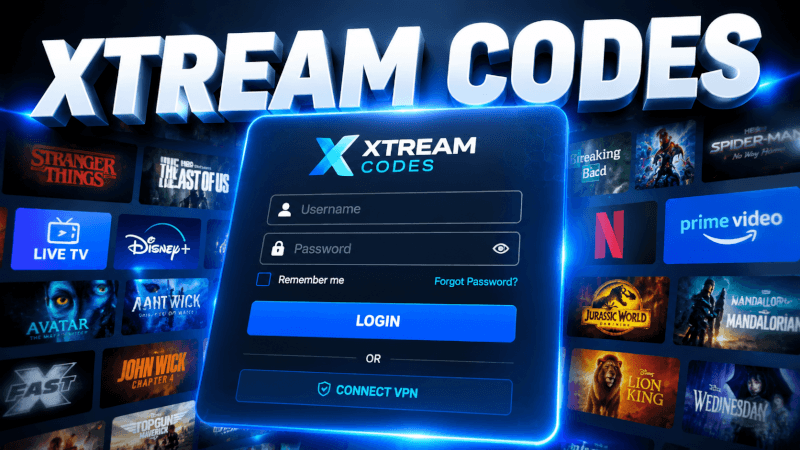
Xtream Codes is the easiest way to log in to an IPTV service — no M3U links to copy. This guide explains how to set up IPTV with the Xtream Codes API in any player.
Step-by-Step: How to Set Up IPTV with Xtream Codes API (2026 Guide)
- Install any IPTV player that supports Xtream Codes (IPTV Smarters, TiviMate, IBO Player, etc.).
- Open the player and choose Login with Xtream Codes API (sometimes called “Add User”).
- Enter a name (any nickname you like).
- Enter your Username, Password and Server URL — all part of the login details (username, password and server URL) we send you by email or WhatsApp.
- Save and let the app load your channels, movies, series and EPG.
That’s it — once you’re logged in you’ll have access to all 25,000+ live channels and 100,000+ movies & series in up to 4K. If anything doesn’t work, our support team is on WhatsApp 24/7.
Frequently Asked Questions
It’s a login method that combines your username, password and server URL into one simple sign-in — the app then pulls live channels, VOD and the TV guide automatically.
Xtream Codes is easier and gives you organized categories, VOD and EPG. M3U is a plain playlist link, useful for players like Kodi that need it.
After you subscribe (or start a free trial) with IPTVCORE4K, we send your Xtream Codes username, password and server URL by email and WhatsApp.