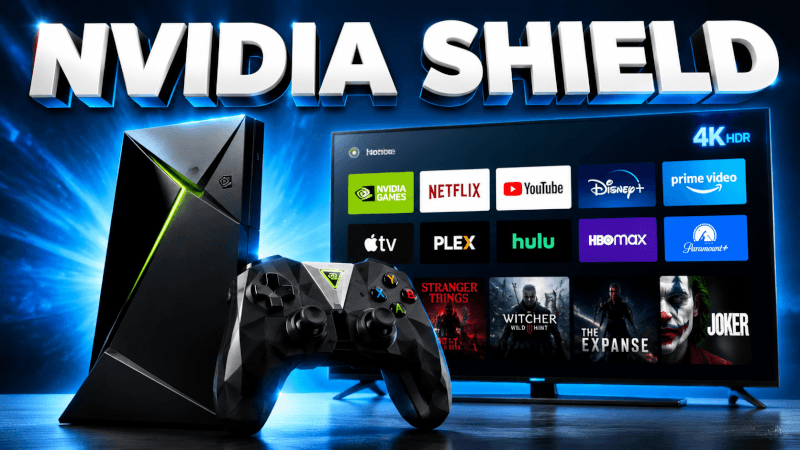
The Nvidia Shield is one of the most powerful streaming boxes for IPTV. This guide shows how to set up IPTV on Nvidia Shield TV in a few minutes.
Step-by-Step: How to Set Up IPTV on Nvidia Shield TV (2026 Guide)
- From the Shield home screen, open the Google Play Store.
- Search for and install IPTV Smarters or TiviMate.
- Open the app and choose Login with Xtream Codes API (Smarters) or add a playlist (TiviMate).
- Enter the login details (username, password and server URL) we send you by email or WhatsApp.
- Load your channel list and enjoy smooth 4K playback.
That’s it — once you’re logged in you’ll have access to all 25,000+ live channels and 100,000+ movies & series in up to 4K. If anything doesn’t work, our support team is on WhatsApp 24/7.
Frequently Asked Questions
Yes — it’s one of the best. Its powerful hardware handles 4K IPTV and heavy EPG data without buffering.
TiviMate has the best interface for a TV remote and premium EPG; IPTV Smarters is simpler. Both work with IPTVCORE4K.