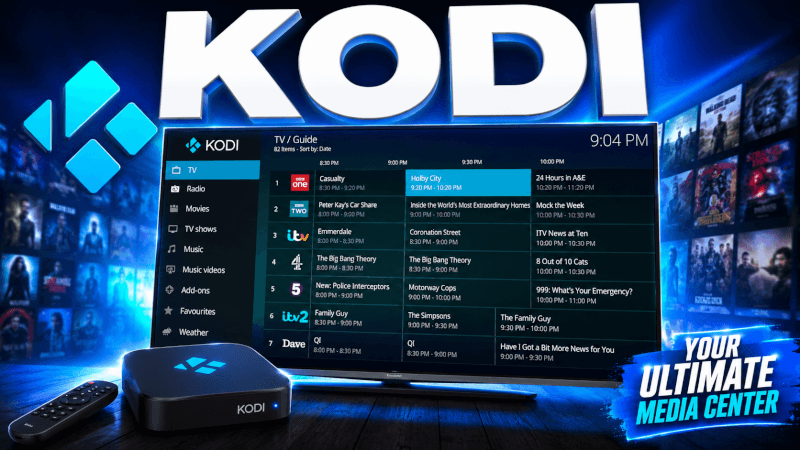
Kodi runs on almost anything and plays IPTV via a built-in add-on. This guide shows how to set up IPTV on Kodi using PVR IPTV Simple Client.
Step-by-Step: How to Set Up IPTV on Kodi (PVR IPTV Simple Client 2026)
- Open Kodi and go to Add-ons → My add-ons → PVR clients.
- Select PVR IPTV Simple Client and click Configure.
- Set Location to “Remote path (Internet address)”.
- In M3U Play List URL, paste the M3U link we send you (part of the login details (username, password and server URL) we send you by email or WhatsApp).
- Optionally add the EPG XMLTV URL for the TV guide, then Enable the client.
- Return to the Kodi home screen and open TV to see your channels.
That’s it — once you’re logged in you’ll have access to all 25,000+ live channels and 100,000+ movies & series in up to 4K. If anything doesn’t work, our support team is on WhatsApp 24/7.
Frequently Asked Questions
Yes — Kodi runs on Firestick, Android, Windows, Mac and more. The PVR IPTV Simple Client setup is the same on every platform.
Kodi’s Simple Client uses an M3U URL. We can provide both an M3U link and Xtream Codes details with your subscription.