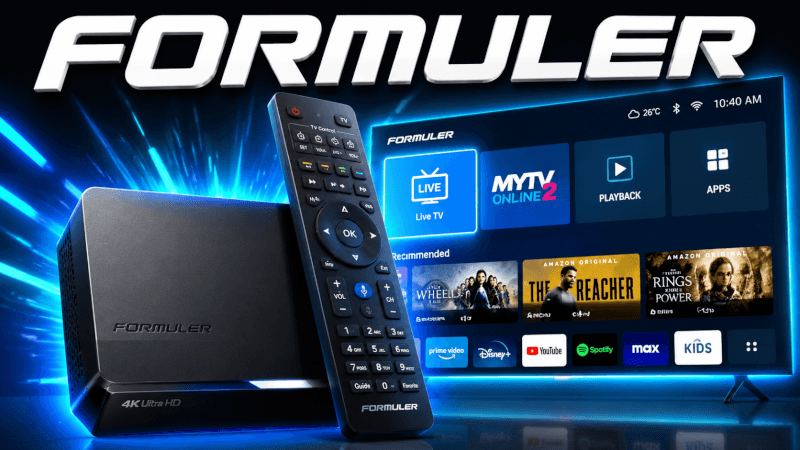
Formuler boxes ship with the excellent MyTVOnline player. This guide covers how to set up IPTV on Formuler Z8, Z10 and Z11 devices.
Step-by-Step: How to Set Up IPTV on Formuler Z8, Z10 & Z11 (2026)
- Open the MyTVOnline (MOL) player on your Formuler box.
- Go to Settings → Playlists / Portal and choose to add a new portal or Xtream Codes login.
- Enter the login details (username, password and server URL) we send you by email or WhatsApp (or the portal URL we provide).
- Save and reload — your channel groups and EPG will populate.
- Open a category and start watching.
That’s it — once you’re logged in you’ll have access to all 25,000+ live channels and 100,000+ movies & series in up to 4K. If anything doesn’t work, our support team is on WhatsApp 24/7.
Frequently Asked Questions
The built-in MyTVOnline (MOL2/MOL3) player is recommended. It supports both Xtream Codes and portal logins with full EPG.
Yes — Formuler Z8, Z10 and Z11 all support 4K streaming with IPTVCORE4K.