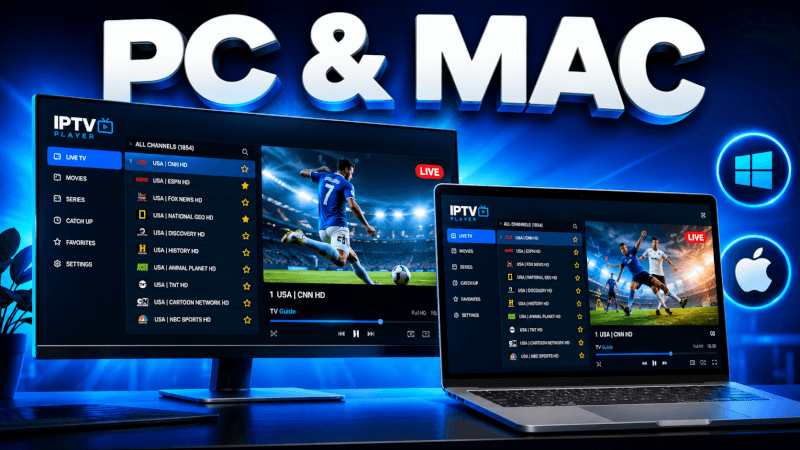
Prefer watching on your computer? This guide covers how to set up IPTV on Windows PC and Mac using the IPTV Smarters desktop app.
Step-by-Step: How to Set Up IPTV on Windows PC & Mac (2026 Guide)
- Windows: download from
https://www.iptvsmarters.com/download?download=windows - Mac: download from
https://www.iptvsmarters.com/download?download=mac - Install and open the app, then choose Login with Xtream Codes API.
- Enter the login details (username, password and server URL) we send you by email or WhatsApp and click Add User.
- Open Live TV and start streaming on your desktop.
That’s it — once you’re logged in you’ll have access to all 25,000+ live channels and 100,000+ movies & series in up to 4K. If anything doesn’t work, our support team is on WhatsApp 24/7.
Frequently Asked Questions
Some players offer a web version, but the IPTV Smarters desktop app is more stable. VLC can also play an M3U link if you prefer.
Yes — the IPTV Smarters desktop app has a native Mac version, and you log in with the same details as any other device.