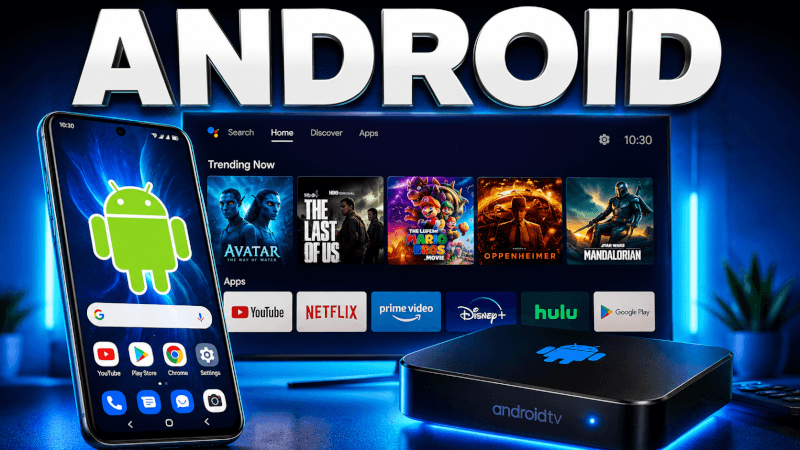
Android is the most flexible platform for IPTV. This guide covers how to install IPTV on an Android phone, tablet, Android TV or TV box using the IPTV Smarters app.
Step-by-Step: How to Install IPTV on Android Phone, TV & Box (2026)
- Download the IPTV Smarters app from
https://www.iptvsmarters.com/smarters.apk(or from Google Play). - Open the app and choose Login with Xtream Codes API.
- Enter a nickname, then the login details (username, password and server URL) we send you by email or WhatsApp.
- Tap Add User and wait a few seconds while your channels load.
- Open Live TV, choose a category, tap a channel, and enjoy in full screen.
That’s it — once you’re logged in you’ll have access to all 25,000+ live channels and 100,000+ movies & series in up to 4K. If anything doesn’t work, our support team is on WhatsApp 24/7.
Frequently Asked Questions
IPTV Smarters and TiviMate are the most popular. TiviMate has the best interface for Android TV boxes; Smarters is the easiest all-rounder.
Yes. Android TV boxes (Nvidia Shield, generic boxes, etc.) run the same IPTV Smarters app and log in with the same details.